
Climbing with your
Apple Watch.
Your phone stays in your bag. The watch starts and finishes each climb, times it, and tracks heart rate, calories and height.
- 01 WatchOpen Craggle
before you start the session.
- 02 PhoneStart the session
The watch workout starts on its own.
- 03 WatchPhoneClimb ↻
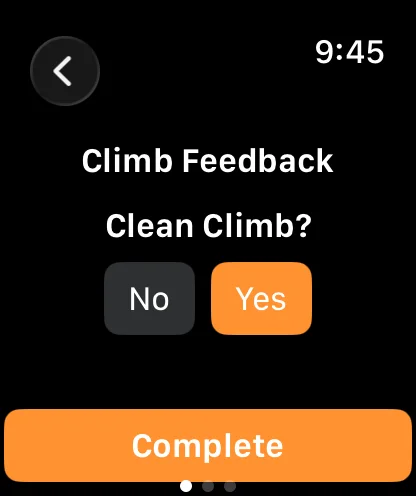
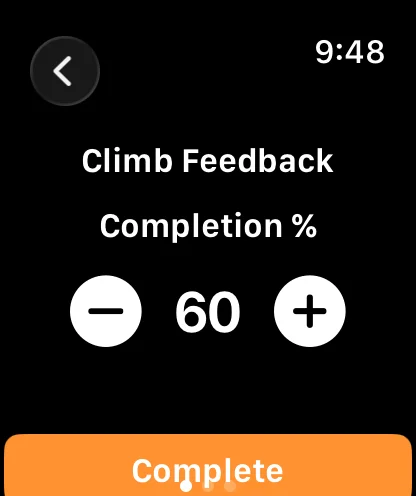
Start, finish and score each climb on either. Step 3 below is the watch way.
- 04 PhoneEnd the session
The watch workout stops too.
Before you climb.
Open Craggle on your watch first
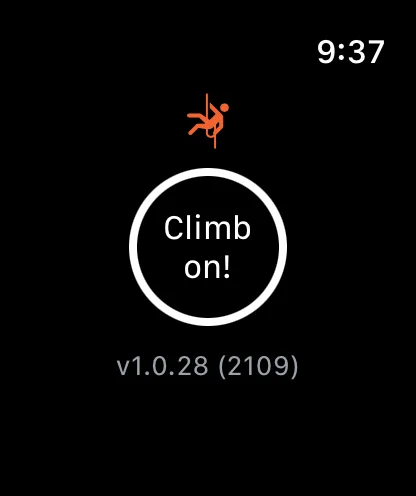
You’ll see this. Leave it open and start the session on your phone. If the watch app isn’t open, your phone asks you to start it: open it, then tap OK, Watch Ready.
Holding Climb on! starts the workout by hand, if you ever need to.
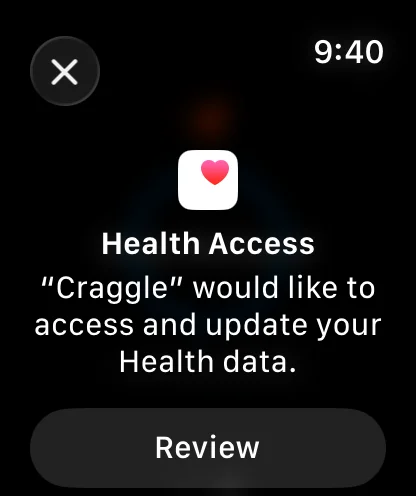
Allow Health the first time
The first workout asks for Health access. Tap Review, turn on All Requested Data Below, Next, turn it on again, Done. Without it, heart rate reads 0.
Later: iPhone Settings › Health › Data Access & Devices › Craggle.
Three views. Swipe left and right.
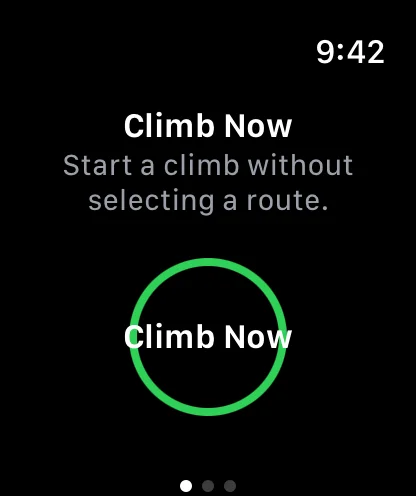
Whatever’s next: Climb Now between climbs, the timer during one.
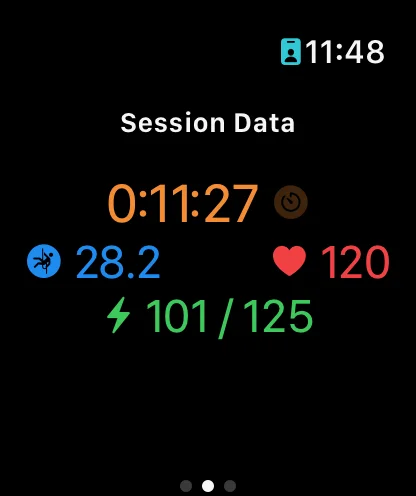
Your climb while you’re on one, else the session: time, feet climbed, heart rate, calories (active / total).
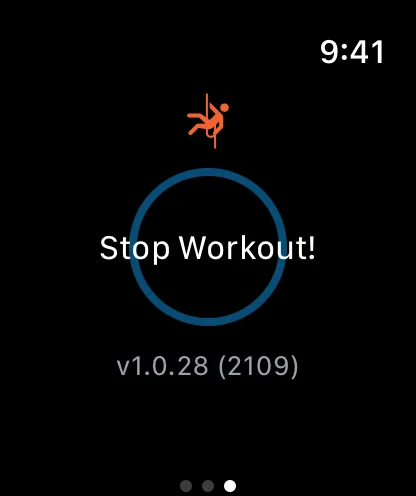
Hold Stop Workout! only if you’re leaving without ending the session.
One climb, start to finish.
Tap a quick press. Hold keep your finger down about a second, so a bumped wrist can’t cause accidental activation.
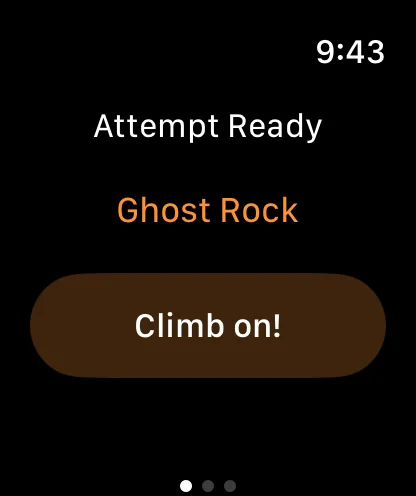
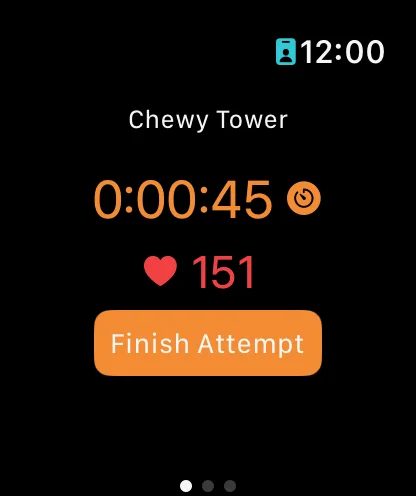
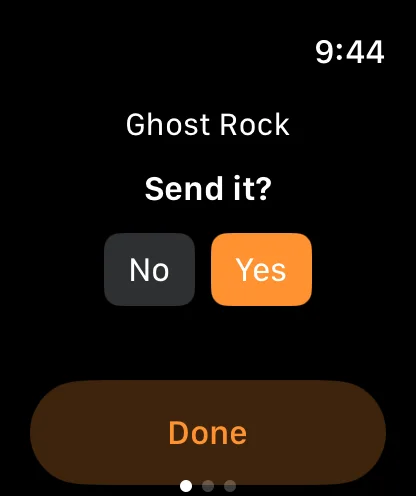
No time to pick a route?
Hold Climb Now on the watch and you’re straight to Climbing. Set the route on your phone afterward.
Hints
- → Keep your phone nearby. In your bag at the base of the wall is fine; the watch talks to it over Bluetooth.
- → Mix watch and phone. Start a climb on one and finish it on the other.
- → Heart rate showing 0? Health access is off. Turn it on as in step 1.
- → Climbing with friends? Everyone with a watch runs Craggle on their own watch and phone.
Apple Watch with watchOS 10.6 or later.
