
Start a session. Add regulars or first-timers. Climb on.
Craggle is built around the climbing session, not the send list. Start one when you get to the gym, let tonight’s crew join with a code, and everyone gets tracked — including the friend who doesn’t have the app.

No account needed to start climbing
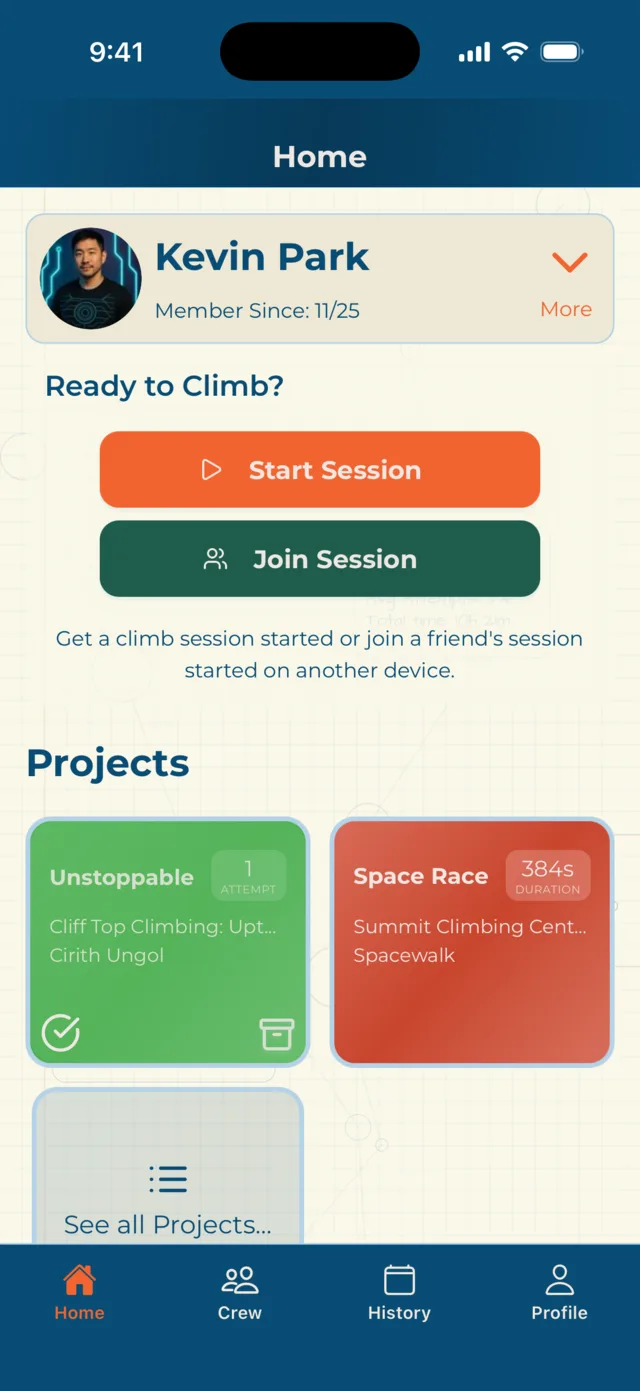
Fifteen people in the group chat.
Three of you actually made it.
That’s still a session.
Same night, same gym, a different two or three or four people every week. Most climbing apps hand you three options for that:
- Climb alone, and log it alone.
- Build a “group” and keep it accurate forever.
- Or hand the whole thing to a feed — follows, content, influencers, an audience.
Not one of those is a few friends who climb together when they can. So what happened to that — where whoever made it still wants the numbers and something to remember the night by?
That’s the whole idea. Nothing to maintain, and nobody to perform for.
Your crew is just your list of people. The session is whoever walked in tonight — and next week it can be someone else entirely.
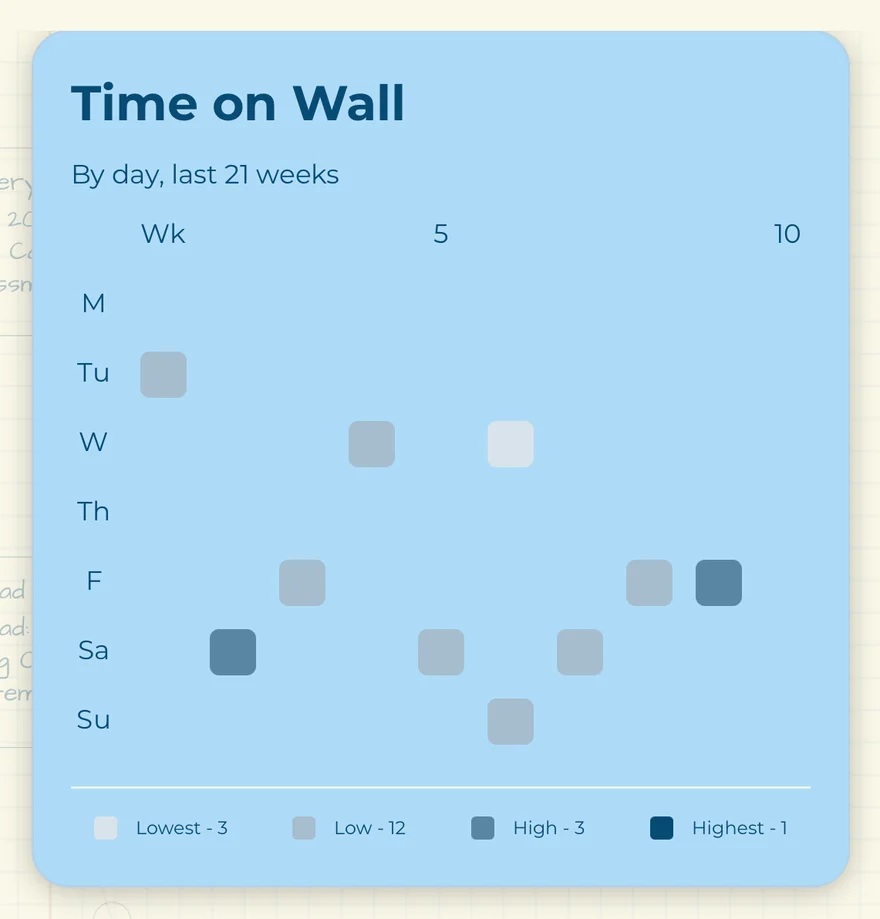
With Craggle, you give up nothing even with that flexibility and uncertainty. Whoever turns up, you get the whole night: the leaderboard, the attempts, the wall time, the notes on the route you keep failing. You don’t have to know who’s coming to get a real session out of it.
Crew is who you know. The session is who showed up.
One person starts it.
Everyone else just turns up.
Nobody has to organise anything in advance. Whoever gets there first starts the session. Everyone else joins in about four seconds.
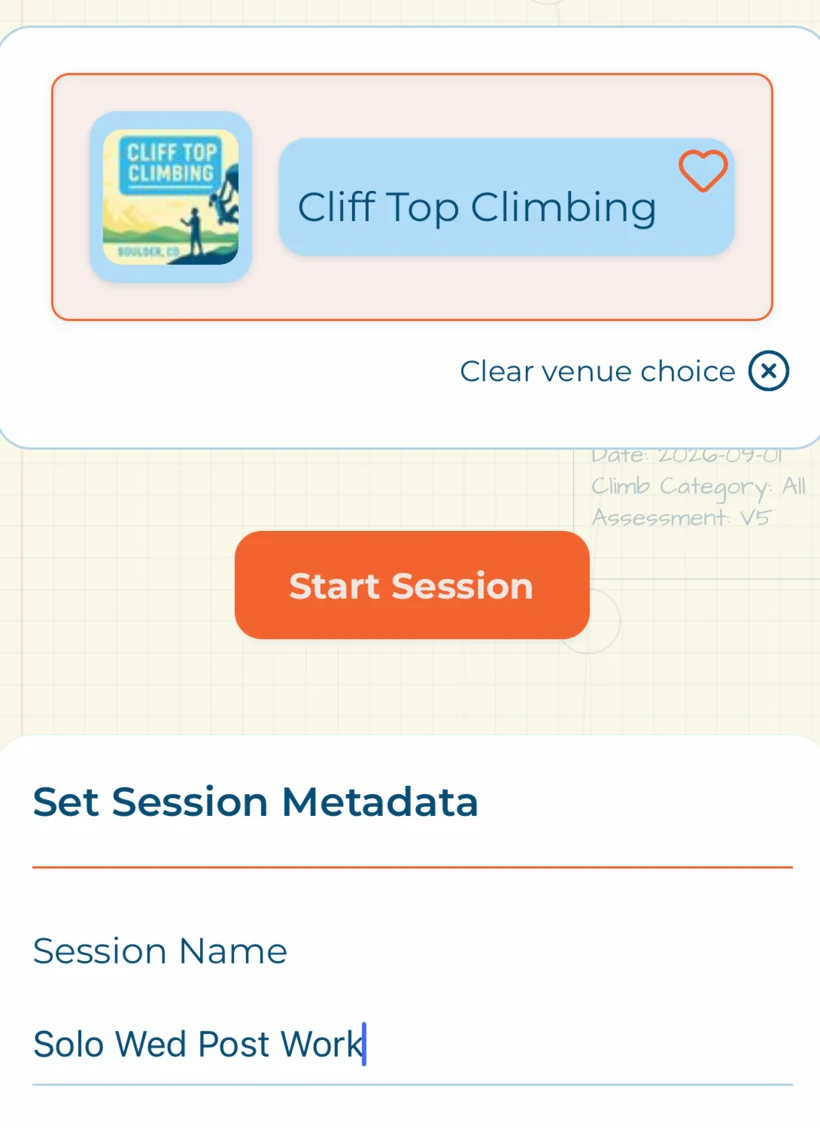
Whoever got there first
Pick the gym — or skip the venue entirely and climb anywhere. The session is live.
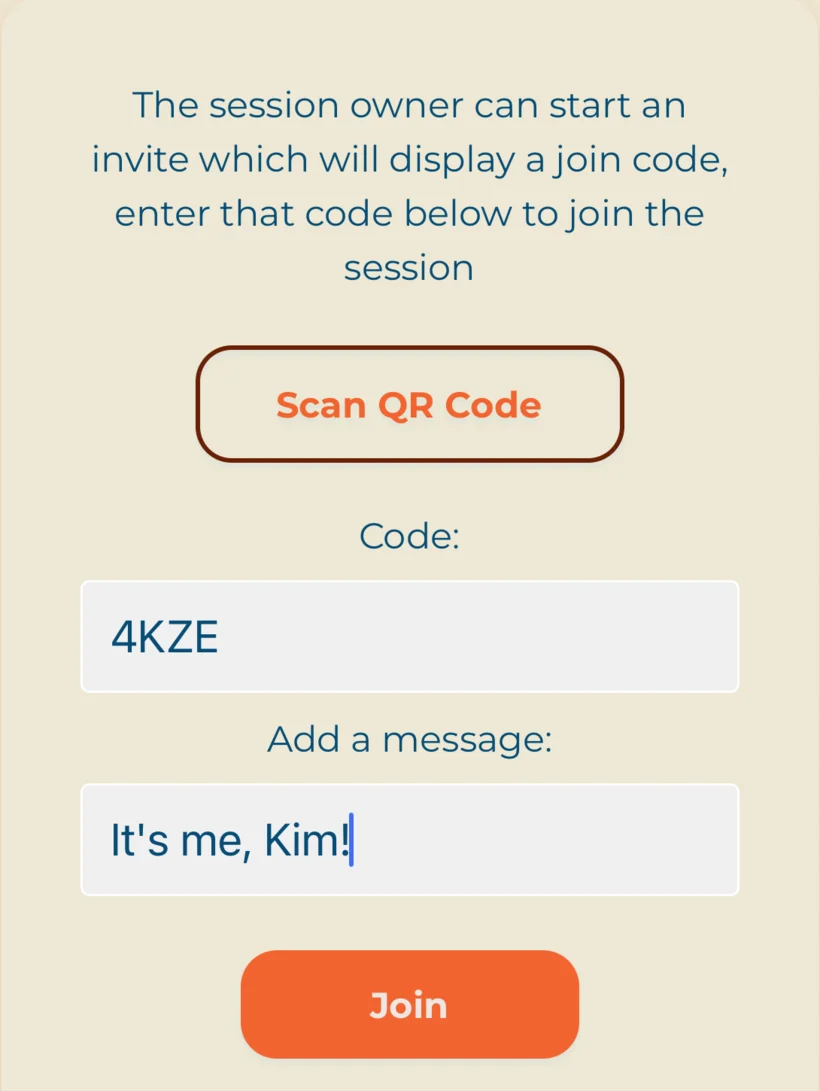
Everyone else, on their own phone
A four-character code or a QR scan. They’re in the session, logging their own climbs.
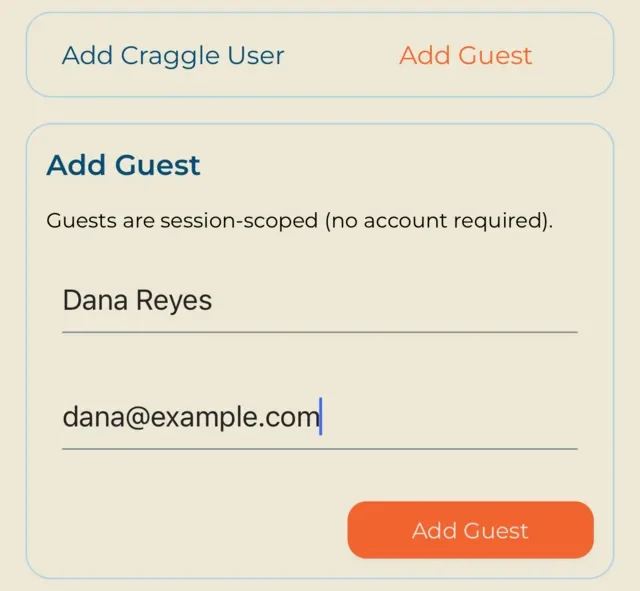
And the one who doesn’t have Craggle
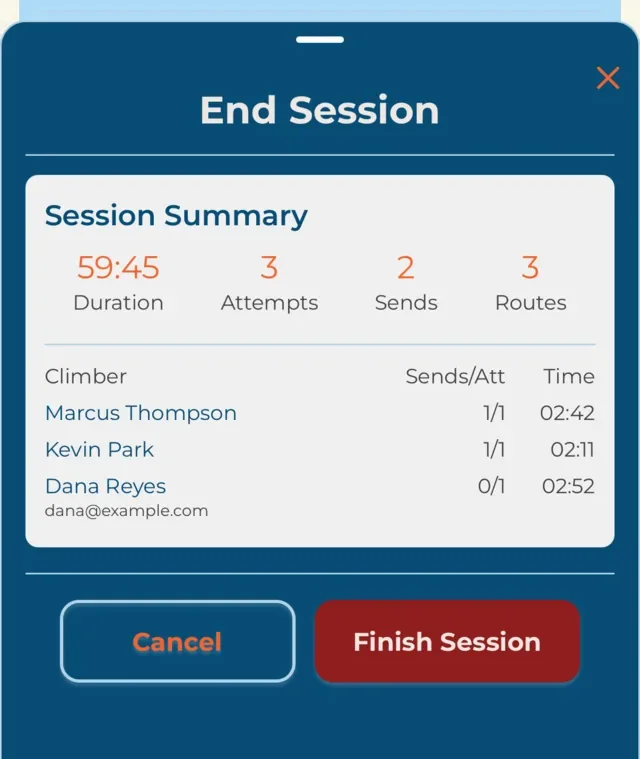
A name is enough. Add an email and they get the session summary afterwards.
No accounts required to climb. No group to set up. Nothing to keep tidy between Tuesdays.
Irregular doesn’t mean incomplete.
Your group changes week to week, and so does your schedule. Neither one degrades what Craggle knows about your climbing.
Every session is scored on its own terms — what actually happened that night, never how it measures against a run you were supposed to keep up. Miss three Tuesdays and turn up on the fourth, and that fourth night is complete: every attempt, the full scoring, the whole picture, exactly as complete as it would have been if you’d made all four.
Craggle measures what you climbed, not how reliably you turn up.
There’s no streak to break, nothing greys out after a quiet month, and no part of your history is worth less because the gaps in it are real. You can only climb the nights you can climb. Those nights should still be worth something.
Three ways to win the night.
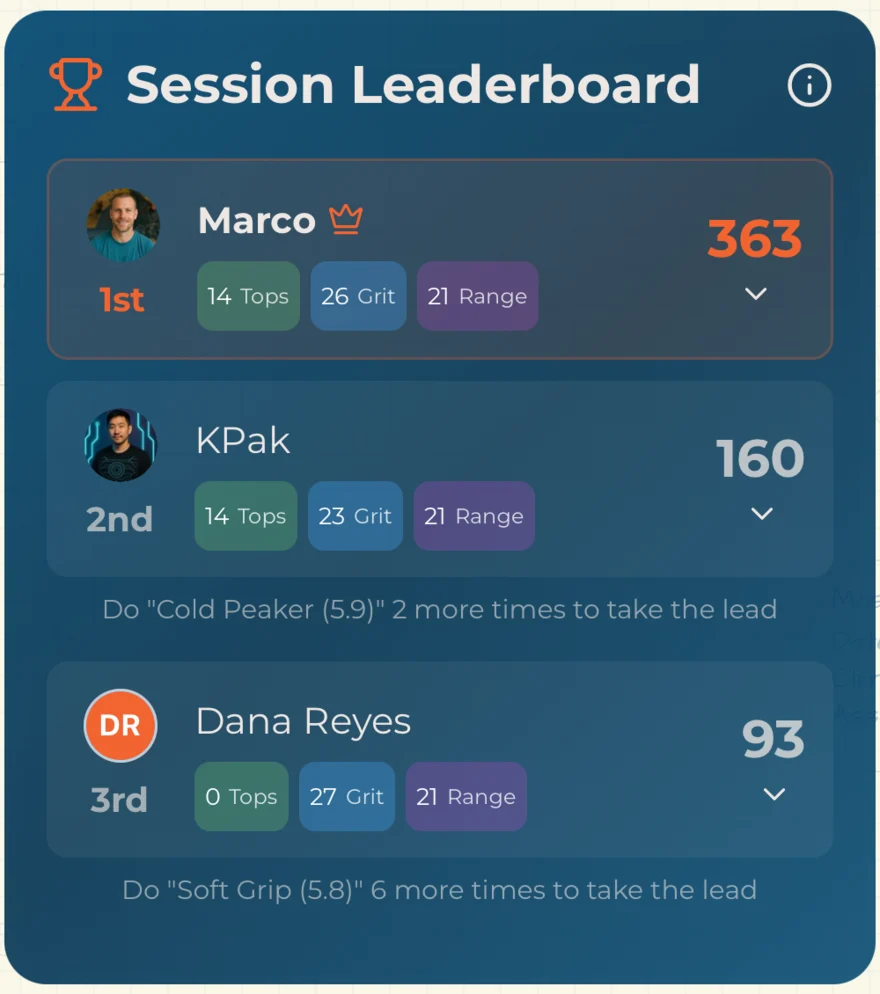
Your Tuesday group is not all climbing the same grade, and a leaderboard that only counts hardest-send makes that awkward. So Craggle scores every session three ways.
- What you sent
- Clean climbs, weighted by difficulty.
- What it cost you
- Time on the wall and effort spent — the projecting nobody else counts.
- How much you covered
- Volume and spread across the routes you touched.
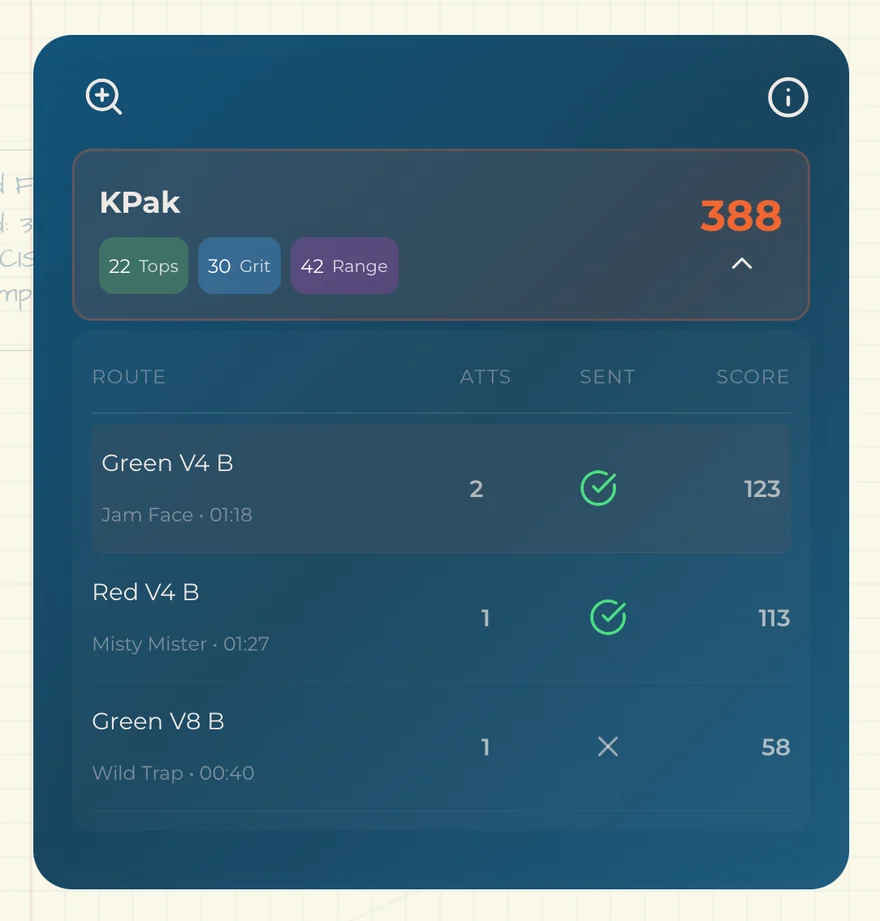
Marco and KPak are the two regulars on this board, and they topped exactly the same number of routes — fourteen each. Marco still takes the night, on harder routes sent faster, while KPak stayed on the comfortable grades. Dana, out for the first time and climbing as a guest, topped nothing at all — and edged past both of them on Grit by never coming off the wall.
Three climbers, three different good nights.
It works climbing alone, too — the same three numbers, comparable session to session.
Every attempt, not just the ones that worked.
A send list tells you what went well. Craggle keeps the rest of the two hours too.
Two questions, and it’s logged.
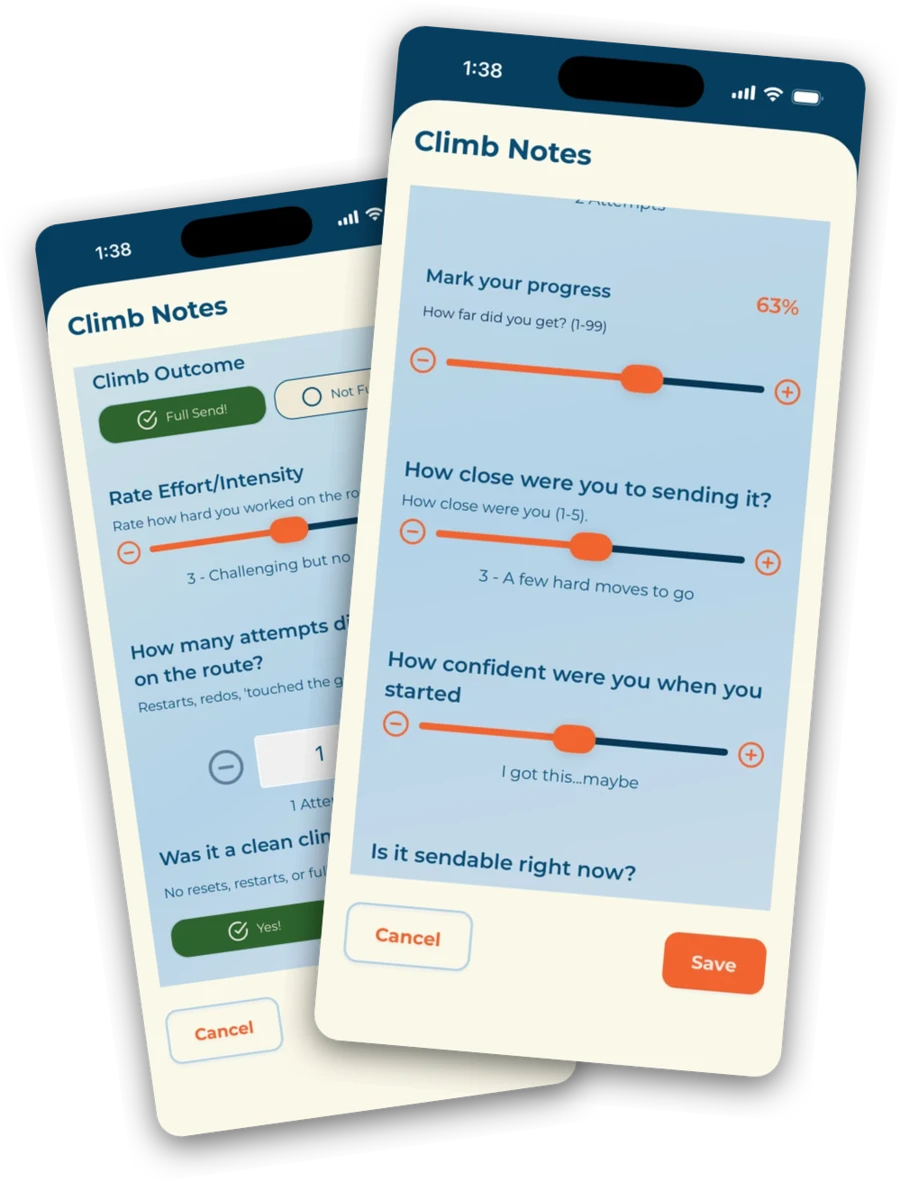
How many goes, and was it clean. That’s the whole interaction — fast enough to do between burns, honest enough that the effort shows up in your numbers even when the send doesn’t.
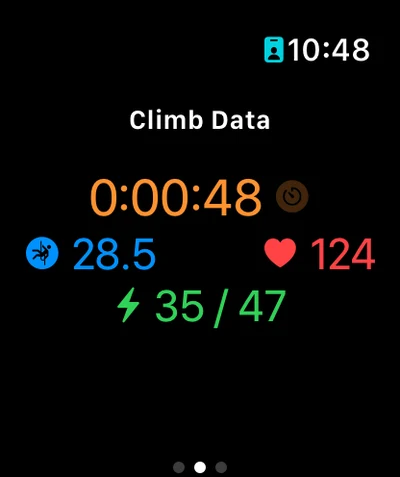
Wearing an Apple Watch? Start and finish the climb from your wrist instead, and heart rate, altitude, and calories come across from HealthKit on their own. The session itself lives on your phone.
All the features →Someone brought a friend.
Add them with a name. They show up in the session like anyone else — their climbs, their attempts, their spot on the leaderboard. Anyone in the session can log for them.
Add an email too, and when the session ends they get their own summary — what they climbed, how they did — without ever installing anything.
Party of one?
Perfect.
Everything in Craggle works great even when it’s just you.
A solo session is a session with one climber in it. Nothing switches into a stripped-down mode, nothing greys out, and no feature is waiting on a second person before it turns on.
Most climbing apps start with one climber and add the group later.
Craggle started with the session — which turns out to be how you get a better solo tracker.
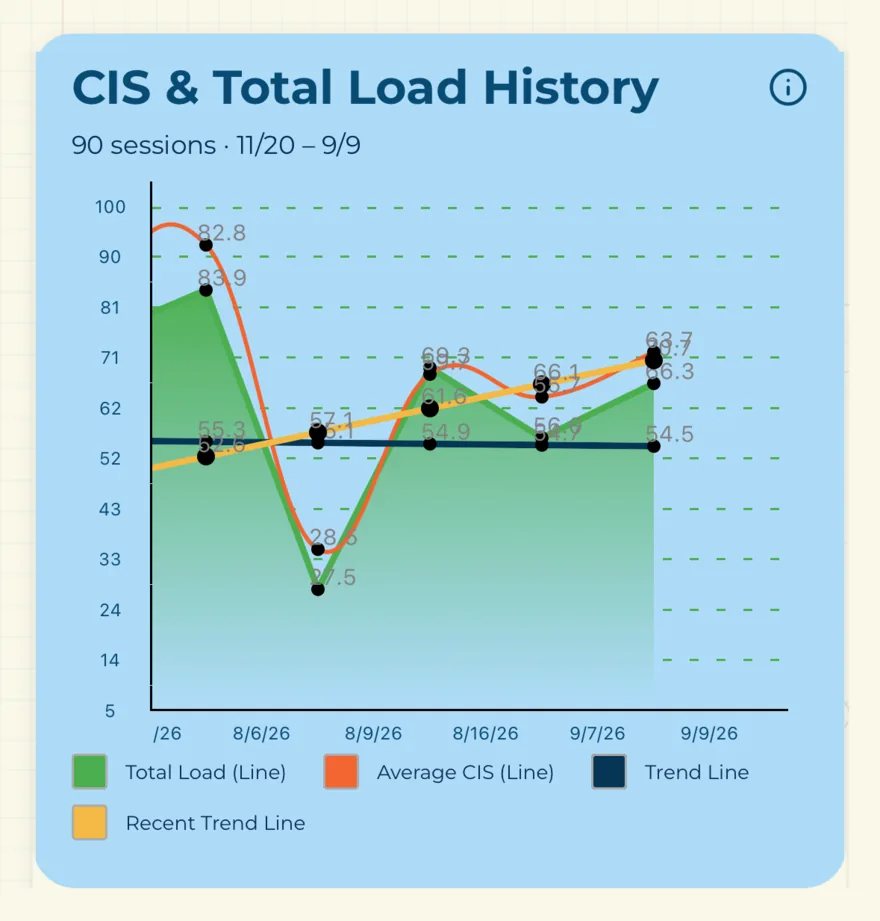
Attempts and clean climbs. Time on the wall against time at the gym. Intensity and load. Projects that keep counting across months. Route notes while they’re fresh, and the watch app on your wrist. None of it needed anyone else to be there.
Small, and built by people who climb even on Tuesdays.
We’re a young app out of Minneapolis. Everything on this page ships today — we’d rather show you a short honest list than a long one you’ll find holes in. If something’s missing that your group needs, tell us; right now that’s genuinely how the roadmap gets set.
Want early access?
Enter your email and be among the first to try Craggle — and get your name on the Founders Wall.
Take the Beta Survey
Share what matters to you as a climber and unlock a free year of Craggle Premium.
Join the Beta →Your routes, your floorplan, your climbers.
Load your routes and floorplans into Craggle and your members pick climbs by tapping the wall they’re standing in front of. You get to see which routes are actually being worked — and a way to message the people climbing them.
- → Route management with images and in-image setter notes
- → Floorplan uploads with per-route markers
- → Which routes get climbed, worked, and sent
- → Message members and recent climbers in-app